An advert can be amended for seven days after being created by an external advertiser.
If you wish to make any changes after this you will need to email advertising@cosla.gov.uk with full details of any changes that you would like to make.
How to edit a job advert
- Log into your account
- Go to “Organisations” and select your organisation
- Select “Jobs” from the left-hand menu or “See all jobs” under the main “jobs” panel
- You can then use the “Edit” button to go in and make changes to the desired advert
Remember to hit save after making any changes.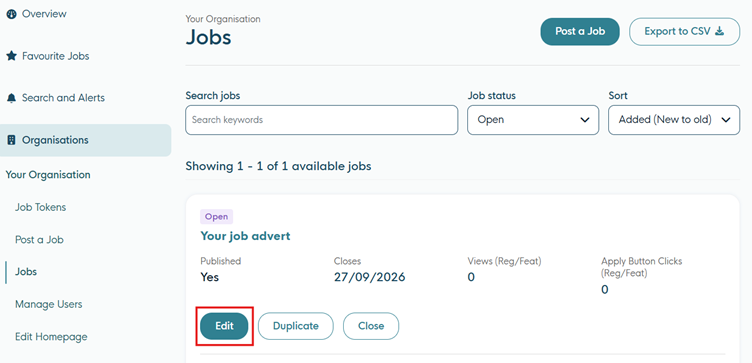
Extend an advert
- Log into your account
- Go to “Organisations” and select your organisation
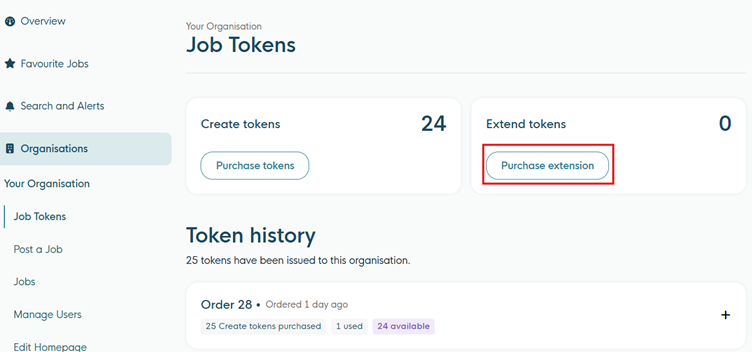
- Select “Job Tokens” from the left-hand menu
- Then “Purchase extension”
- Fill out the form and then “Purchase token”